Download


App Store


Google Play
Launch your own AI quant server and chat with it right in the web workspace — crypto markets and Taiwan stocks (台股).
Log in and top up credit on the launch page: bind a card, choose an amount, and confirm. Once a balance appears, the launch button unlocks.
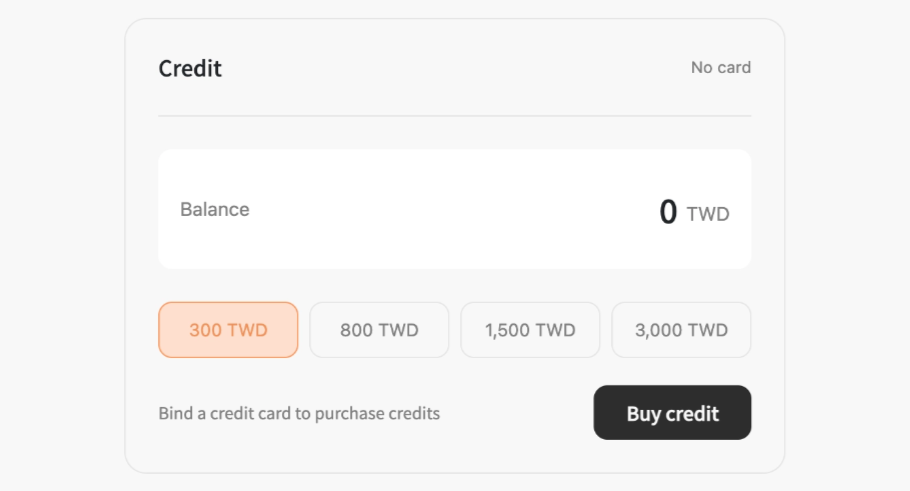
Click Launch Server. If you like, open Advanced settings first to pick the operating system (Linux by default, or Windows) and server tier.
Wait a few minutes while your server installs — the status badge goes from Pending to Installing to Running.
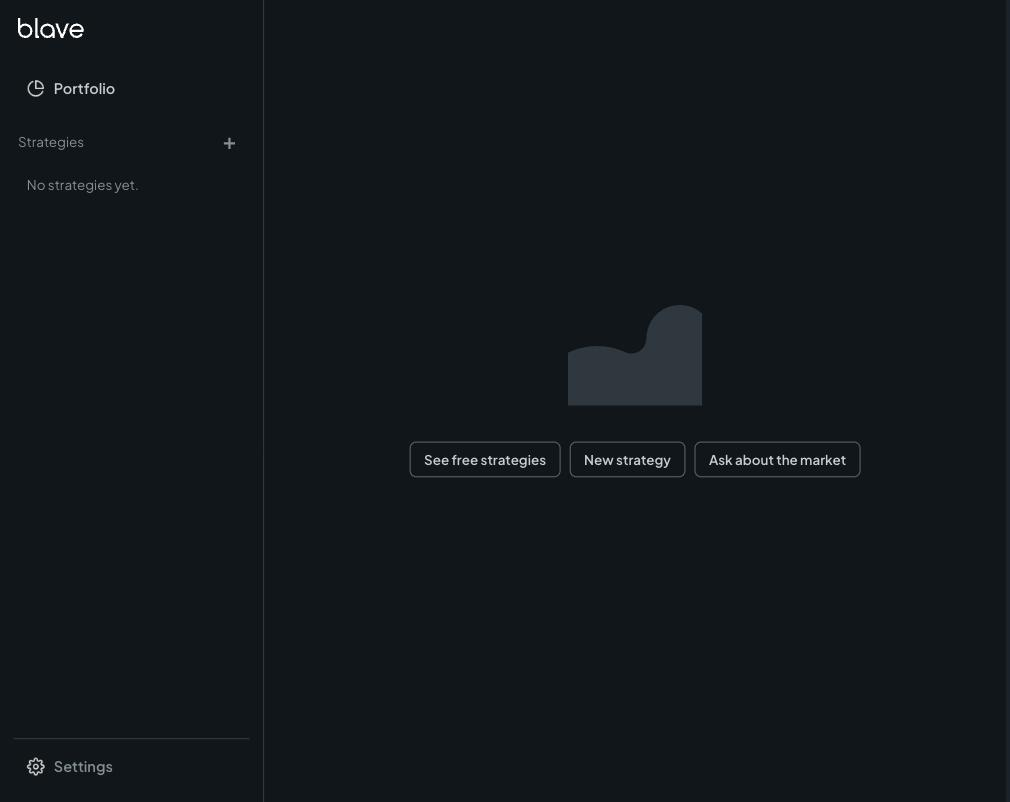
Click Enter Workspace and start chatting: ask for market data, have the agent build and backtest a strategy — everything runs in the web workspace.
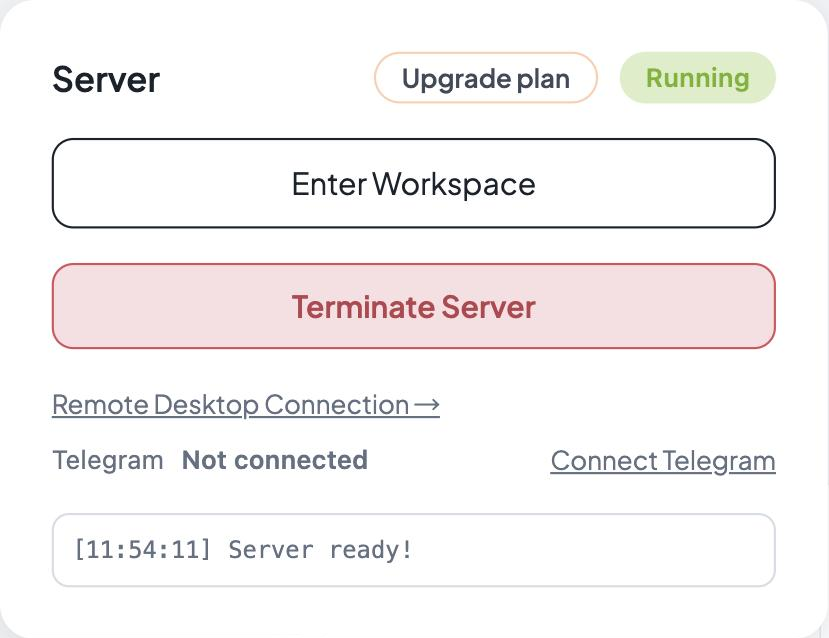
Optional — prefer chatting in Telegram? Follow Connect Telegram to create your own bot and pair it.