Download


App Store


Google Play
Want to chat with your agent on Telegram? Create your own bot and paste its token — this is optional, and the web workspace keeps working either way.
Open @BotFather in Telegram, send /newbot, and follow the prompts to name your bot. BotFather then gives you a bot token (it looks like 1234567890:AAxxxx…) — copy it.
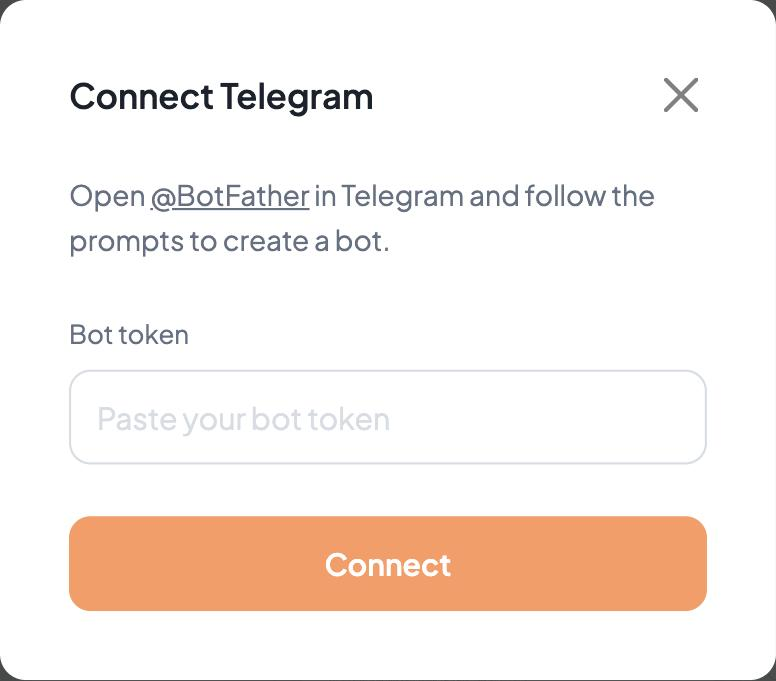
Back on the Blave Agent launch page, click Connect Telegram on the server card, paste the token, and click Connect.
Open your new bot in Telegram and send it a message. The first message completes pairing and gets no reply — the agent responds normally from the second message on.