Download


App Store


Google Play
Follow the steps below to install and pair Blave Agent, then start AI-powered quantitative trading across crypto markets and Taiwan stocks (台股).
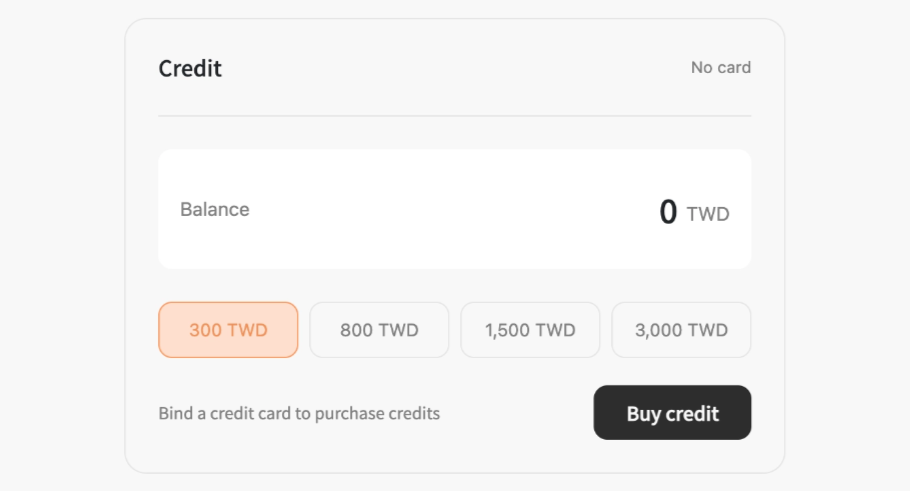
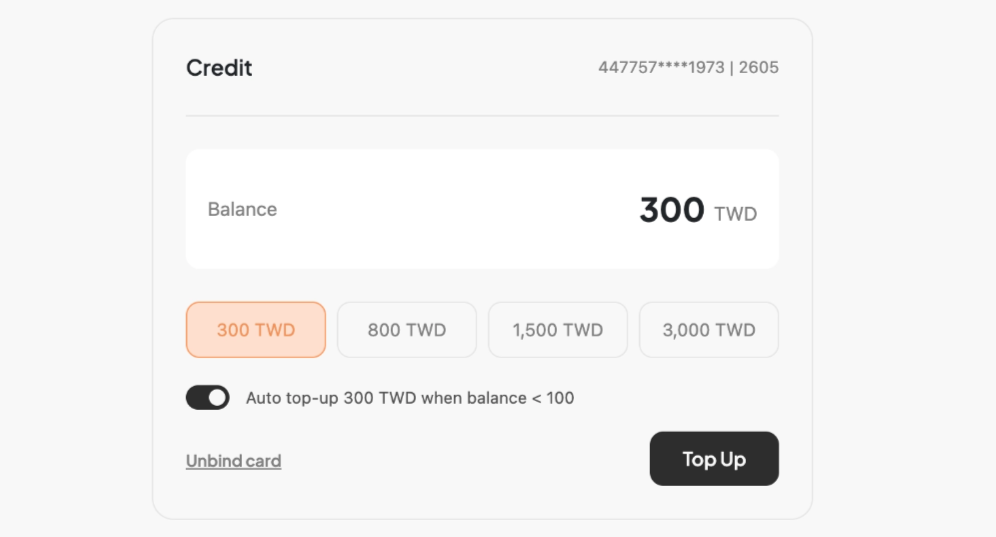
Choose a credit amount and click Buy Credits. A balance appearing in your account confirms a successful purchase.
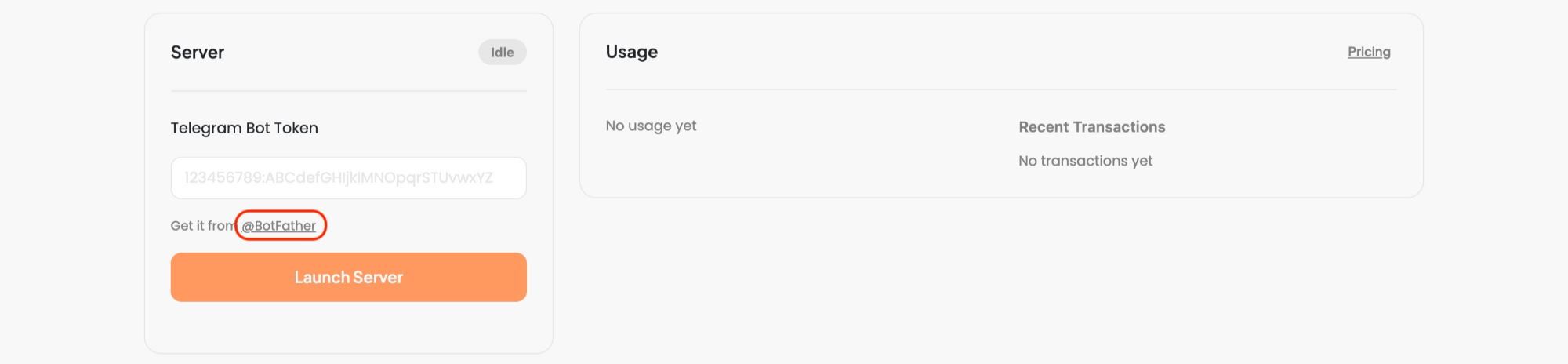
Click BotFather to open Telegram and start a conversation.
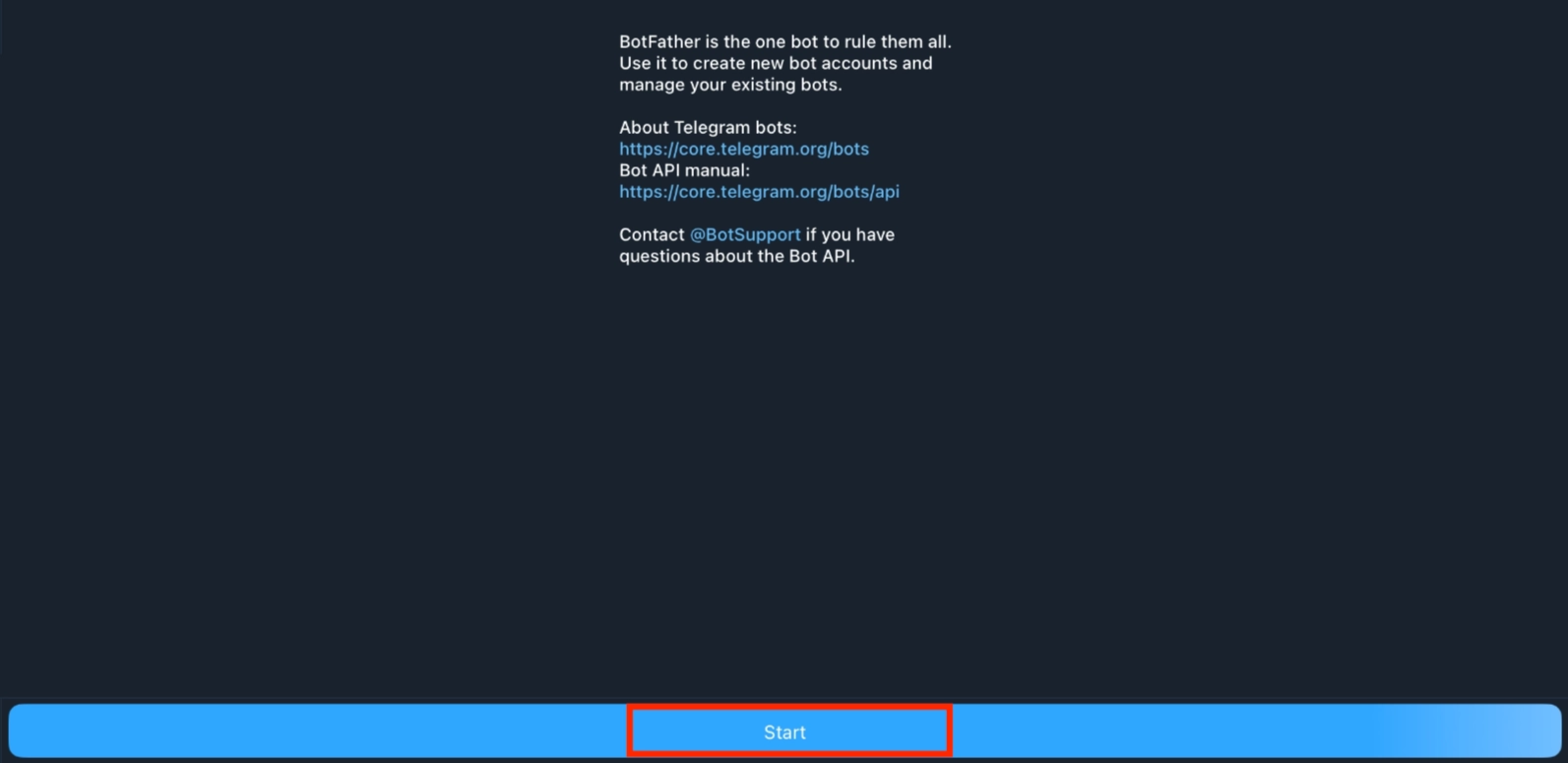
Send /newbot to create a new bot. Follow the prompts to name it — the final name must end with _bot.
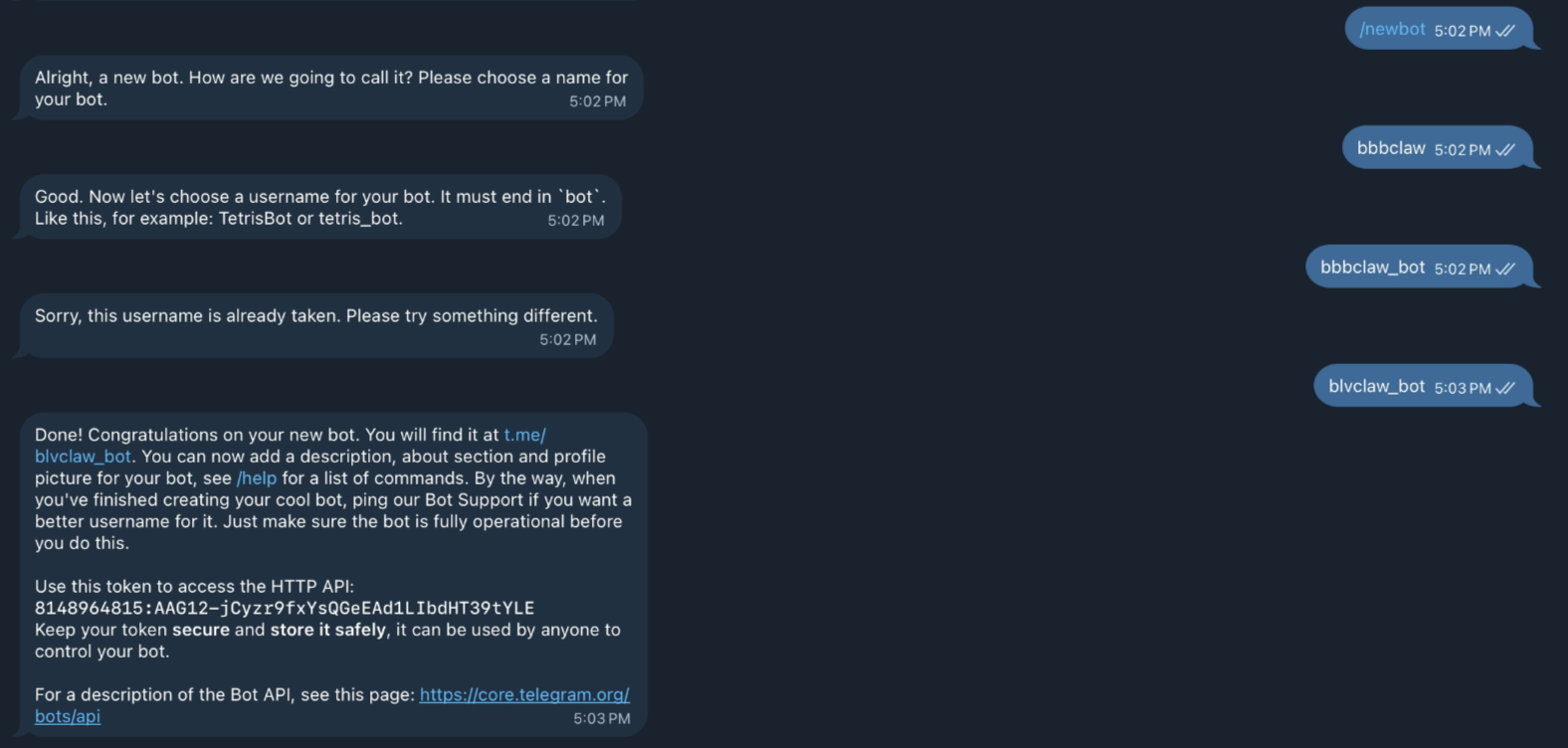
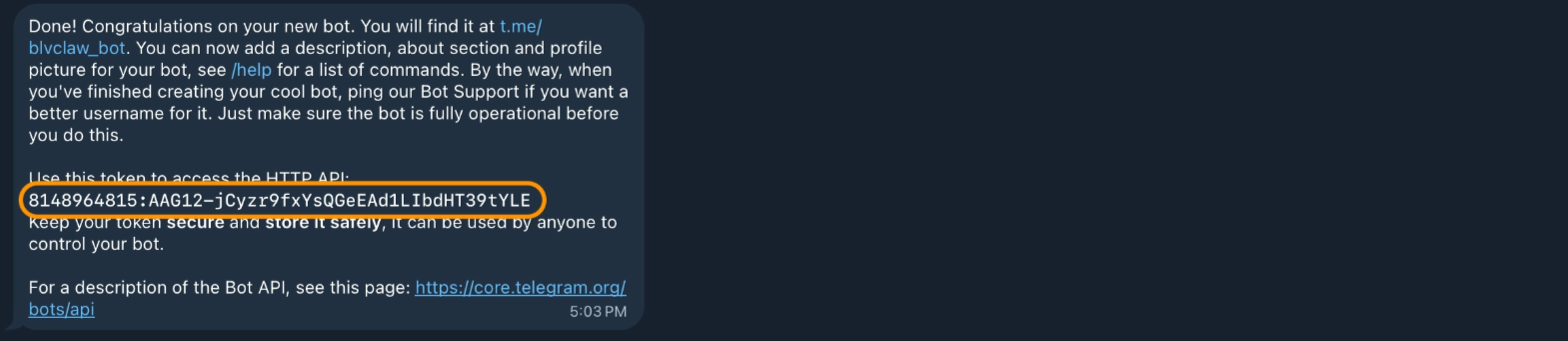
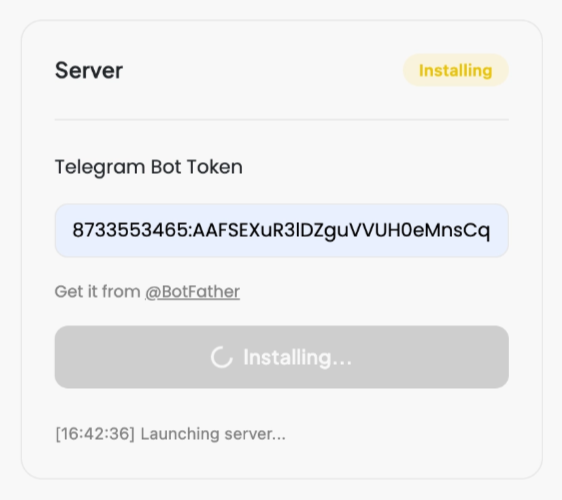
Copy the Token from the message, paste it into the input field, and click Start Instance.
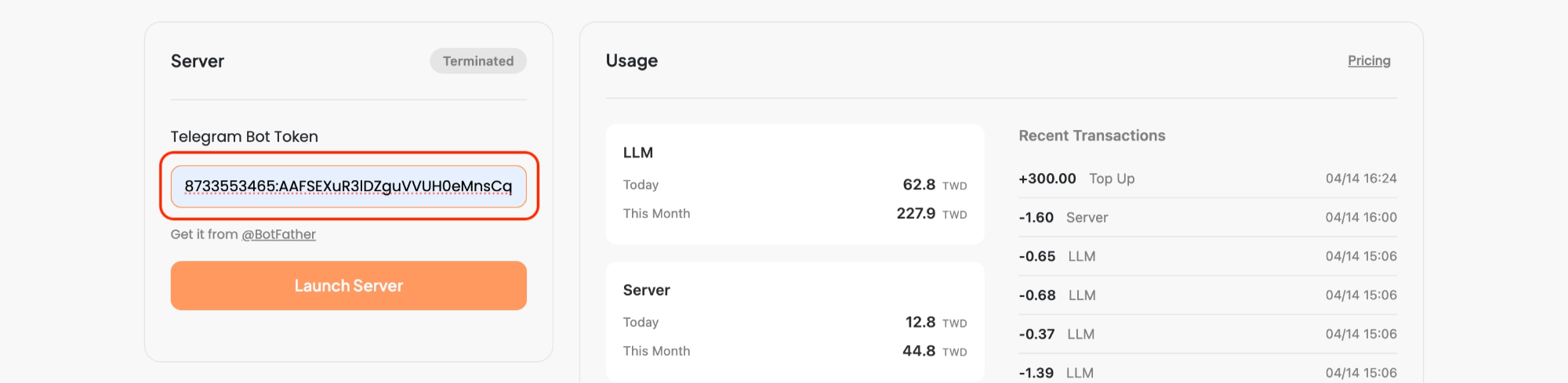
The download takes a moment. Please wait.
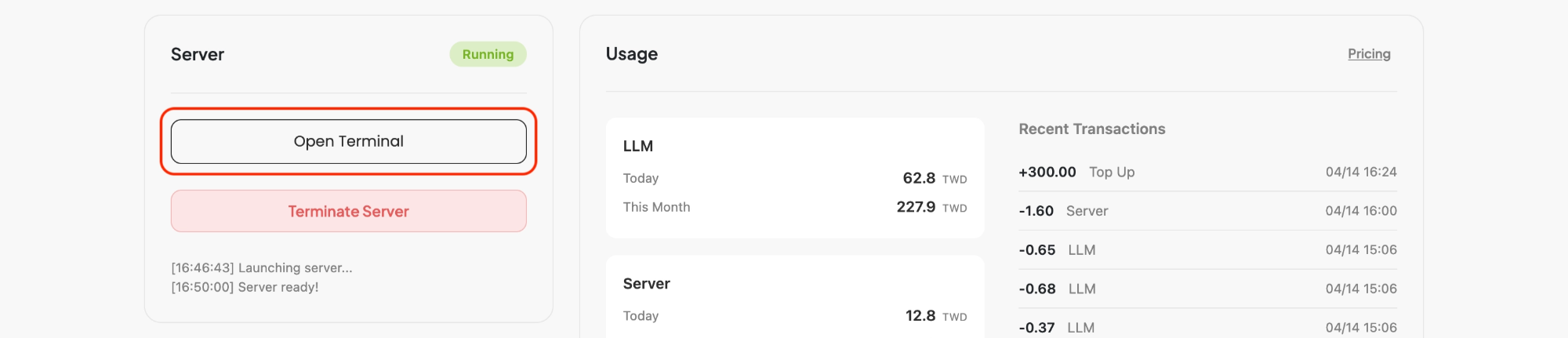
After download, click Open Terminal to open the terminal view.

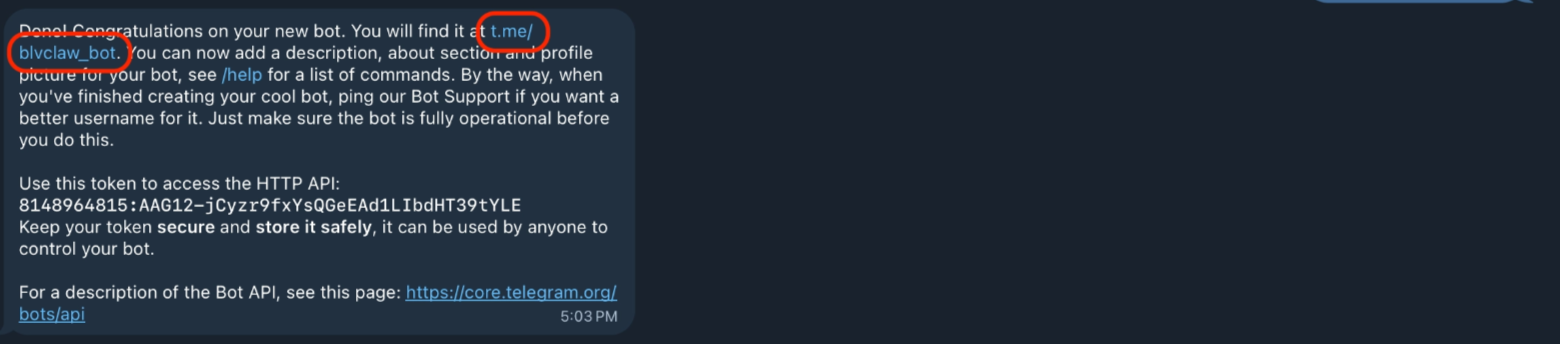
Go back to Telegram and click the link to open your bot. Copy the pairing command shown on the screen. The bot may take a moment to respond — please be patient.
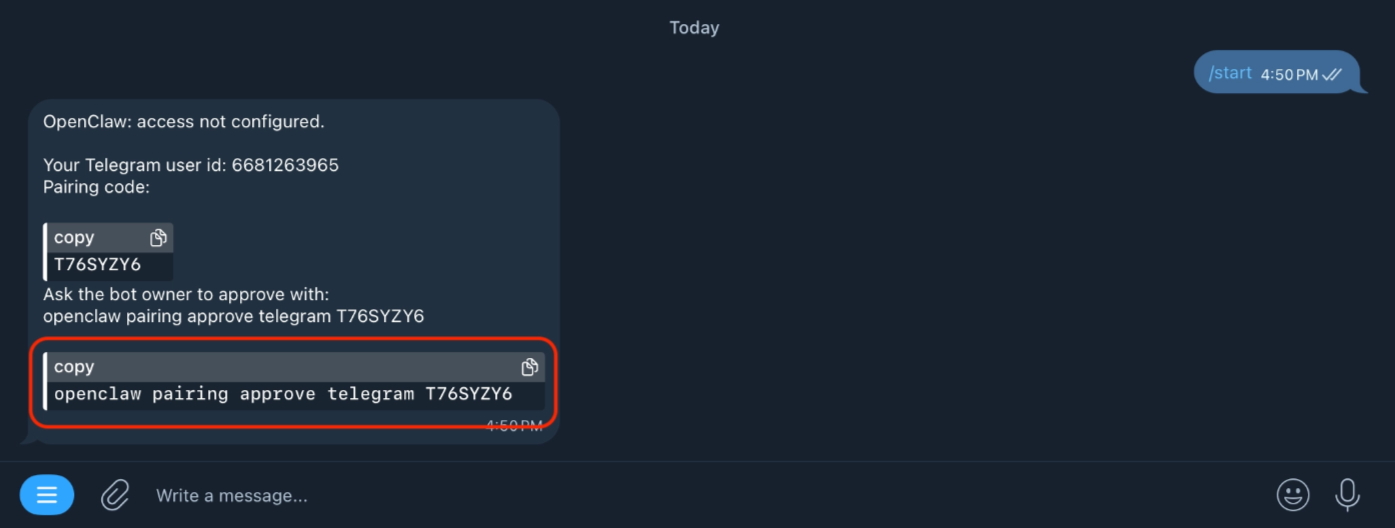
Paste the pairing command into the terminal and press Enter. Wait a moment.

The screen below means installation is complete 🎉

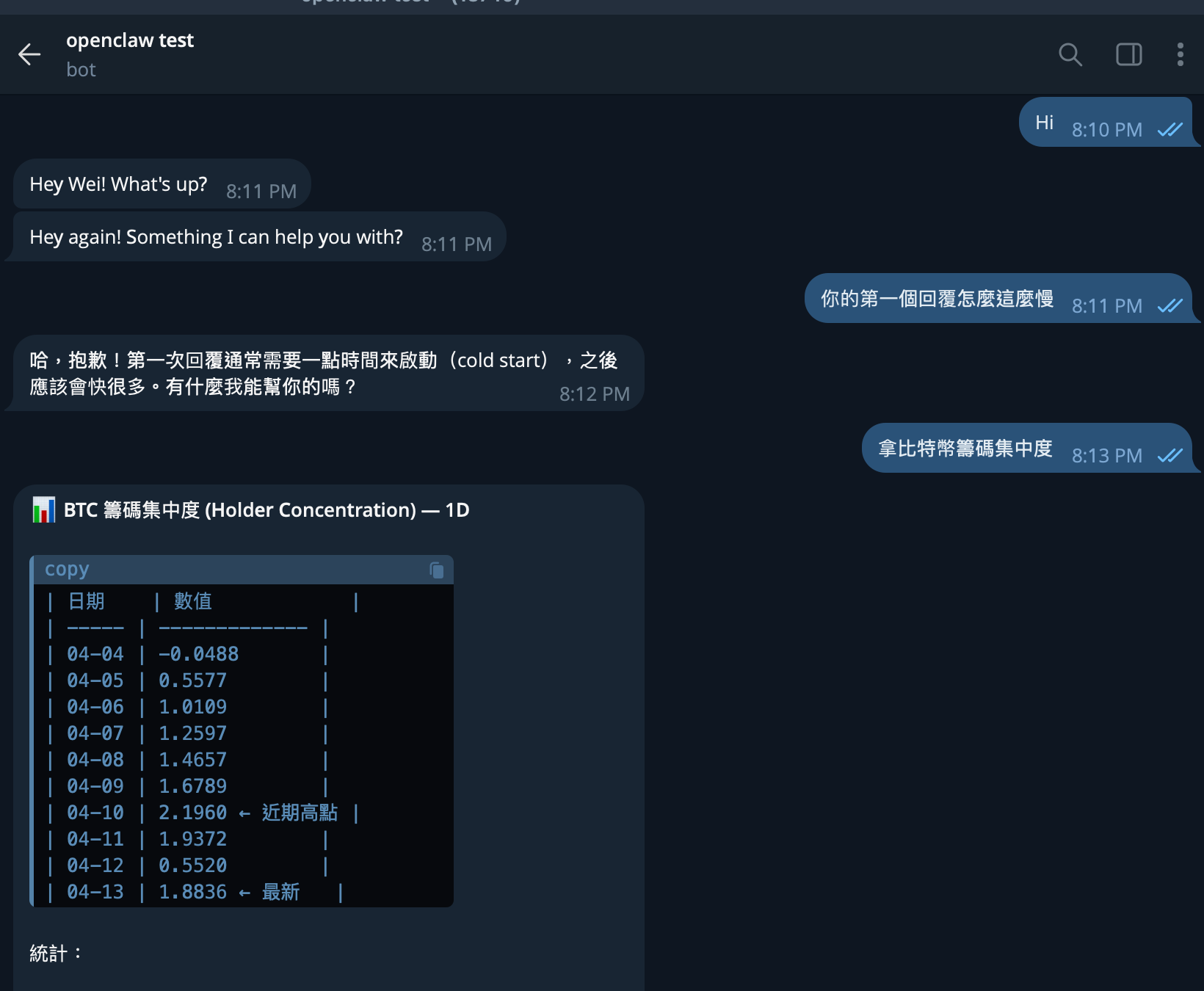
You can now chat with your agent directly in Telegram! (First response may take a moment.)