Quant Workspace for AI Agents
Build, backtest and trade strategies live with Claude Code or Codex.
Free and open source · Download on a Mac or PC
Link copied.
Couldn't copy it automatically. Press and hold the link below to copy it.
https://blave.org/en?src=m_share
Downloading. Drag it into Applications, open it, and pick your AI. The first launch takes a few minutes. If you like it, star it on GitHub.
Downloading. When you open the installer, Windows first shows “Windows protected your PC”:
- Click “More info”.
- Click “Run anyway”. Blave installs and opens on its own.
- The first launch sets up its runtime and takes a few minutes.
Windows warns because the installer isn't code-signed yet (we've applied for a certificate), so it can't identify the publisher. The source is public on GitHub. See the full steps
- Desktop and mobile apps
- Source code (Apache-2.0)
- Public market data
- Bring your own data sources
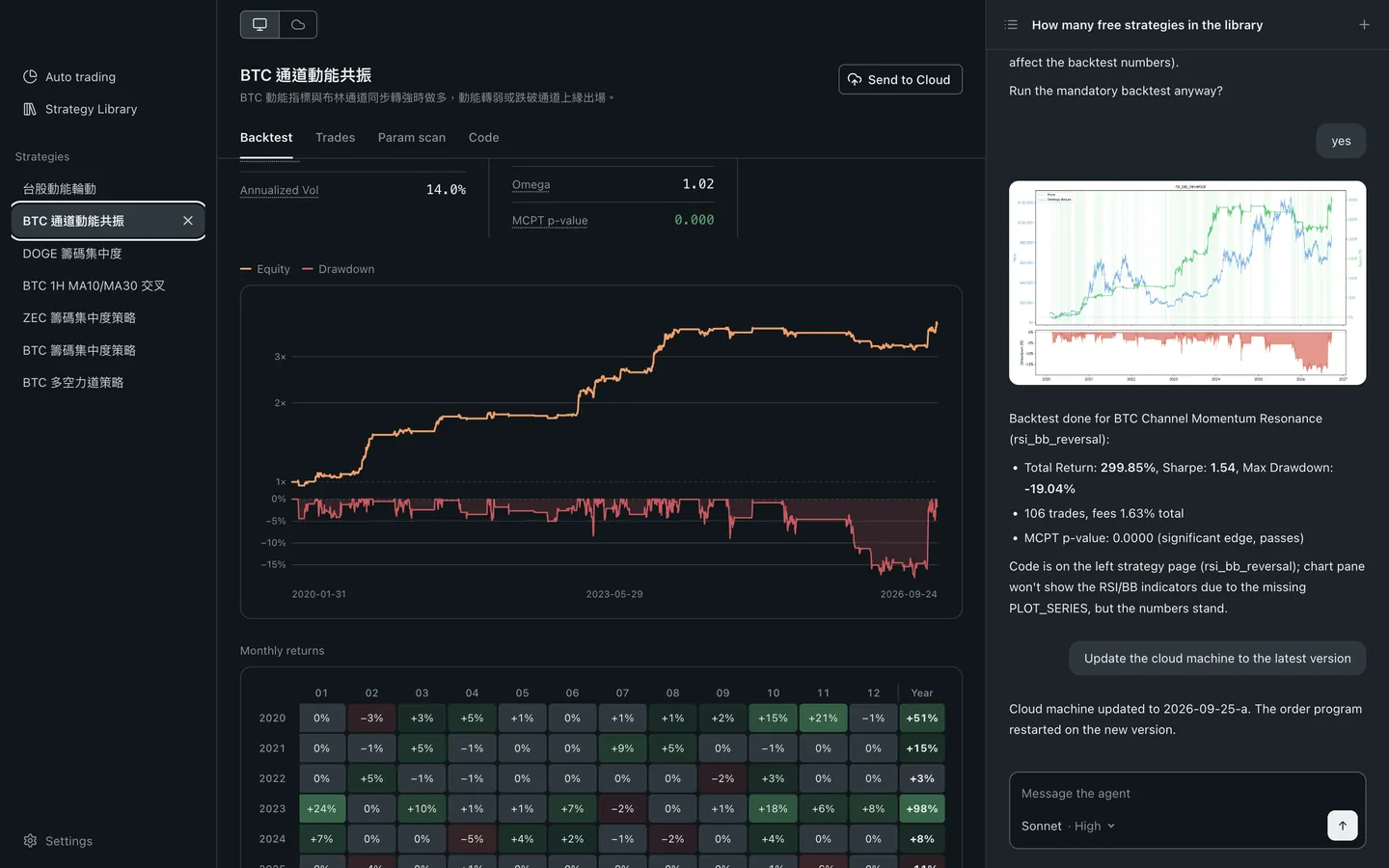
- Backtest and guardrails
- Live trading


From Idea to Live
Open the Browser, Find Strategy Ideas
Your AI opens several pages at once and turns them into backtestable strategy ideas in minutes.

Write the Strategy, Check It Isn't Overfit
Three checks: MCPT, Parameter Scan and OOS.

Combine Strategies Into One Portfolio
A walk-forward backtest re-weights daily. You see what percent of 1,000 random weightings it beats.

Apply Amounts, Get the Positions to Hold
Place the trades yourself from this table, or connect an exchange and let it run automatically.

Step Away From the Desk
Talk to Blave Agent on your computer or cloud machine from your phone.


Partners
Community

Business

Run a Backtest for Free
Free and open source · Download on a Mac or PC
Link copied.
Couldn't copy it automatically. Press and hold the link below to copy it.
https://blave.org/en?src=m_share
Downloading. Drag it into Applications, open it, and pick your AI. The first launch takes a few minutes. If you like it, star it on GitHub.
Downloading. When you open the installer, Windows first shows “Windows protected your PC”:
- Click “More info”.
- Click “Run anyway”. Blave installs and opens on its own.
- The first launch sets up its runtime and takes a few minutes.
Windows warns because the installer isn't code-signed yet (we've applied for a certificate), so it can't identify the publisher. The source is public on GitHub. See the full steps