logo
Cloud
Data Studio
  • Crypto Liquidation maps, funding rates, whale positions
  • TW Stocks Institutional flows, broker-branch data, monthly revenue
  • AI Ask Questions About Market Data
Strategy Library Docs Pricing
Log In
Download for Mac Download for Windows
  • macOS 13 or later
  • Windows 10 or 11 (x64)
  • Install from source
language
Download for Mac Download for Windows
  • macOS 13 or later
  • Windows 10 or 11 (x64)
  • Install from source

  • Loyalty Missions
  • Referral Program
  • Account
  • KOL Center
  • API Management
  • Cloud
    • Crypto
    • TW Stocks
    • AI
  • Strategy Library
  • Docs
    • Pricing
    • Loyalty Missions
    • Referral Program
    • Account
    • KOL Center
    • API Management
    • Pricing
Log In
esc

↑↓Select ↵Open escClose

Update Card
Language
Quick Start Blave Agent Pricing & Billing
Data Studio
Crypto Data Connect a Read-Only Exchange API Taker Intensity Guide Holder Concentration Guide Whale Hunter Guide Market Sentiment Guide Liquidation Indicator Guide Liquidation Map Guide Sector Rotation Guide Blave Top Traders Guide
Taiwan Stock Data Institutional Net Buy/Sell Margin Balance
Overview & Authentication Crypto Taiwan Stock Taiwan Market Taiwan Futures & Options Commodities & Macro
Blave Agent
Connect Telegram (cloud machine) Remote Desktop
Types Strategy Library Portfolio Backup & Restore Strategies
What Is Quant Trading? What Is Algorithmic Trading? How to Read a Backtest Avoiding Overfitting How to read MCPT p-values How out-of-sample validation works Volatility Targeting
Connect your agent

Docs & Learn

start here

About Blave

Quick Start Download the desktop app, connect your Claude Code or Codex, and run a backtest from one sentence; launch a cloud machine when it should keep going with your computer off. Start with the download → Blave Agent Pricing & Billing What Blave Agent's AI, data and cloud machines cost.

Data Studio

Crypto

  • Crypto Data
  • Connect a Read-Only Exchange API
  • Taker Intensity Guide
  • Holder Concentration Guide
  • Whale Hunter Guide
  • Market Sentiment Guide
  • Liquidation Indicator Guide
  • Liquidation Map Guide
  • Sector Rotation Guide
  • Blave Top Traders Guide

TW Stocks

  • Taiwan Stock Data
  • Institutional Net Buy/Sell
  • Margin Balance

API

  • Overview & Authentication
  • Crypto39
  • Taiwan Stock31
  • Taiwan Market5
  • Taiwan Futures & Options12
  • Commodities & Macro2

Blave Agent

Cloud Machine

  • Connect Telegram (cloud machine)
  • Remote Desktop

Strategies

  • Types
  • Strategy Library
  • Portfolio
  • Backup & Restore Strategies

Quant Methodology

  • What Is Quant Trading?
  • What Is Algorithmic Trading?
  • How to Read a Backtest
  • Avoiding Overfitting
  • How to read MCPT p-values
  • How out-of-sample validation works
  • Volatility Targeting

Connect

  • Connect your agent
The Blave Desktop workspace
Let Your AI Do Quant on Your Own Computer

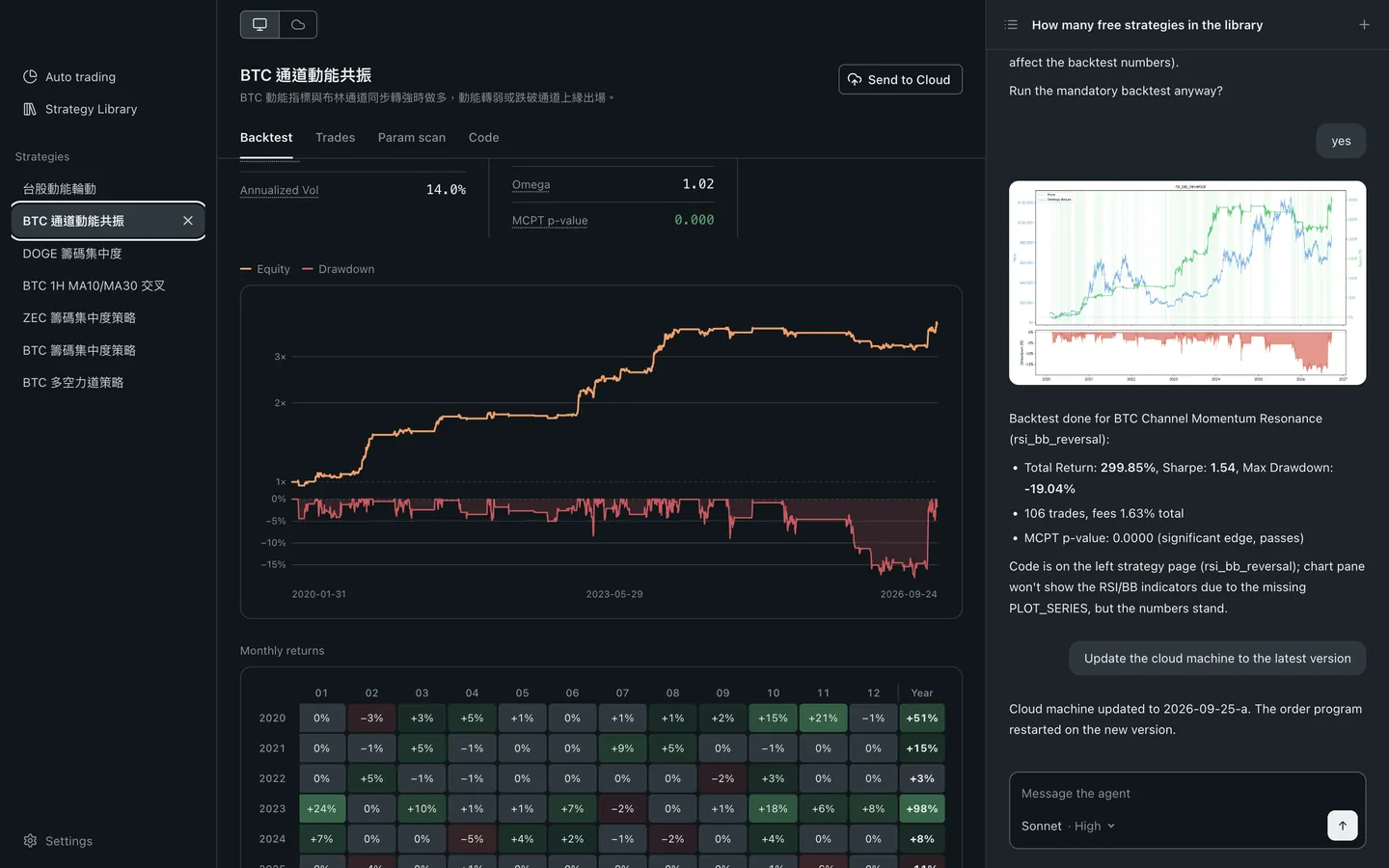
Blave Desktop is free, open source and needs no sign-up. Connect Claude Code or Codex: it writes the strategy, runs the backtest and trades it live.

Free Download GitHub

Downloading. Drag it into Applications, open it, and pick your AI. The first launch takes a few minutes. If you like it, star it on GitHub.

Free Download GitHub

Downloading. When you open the installer, Windows first shows “Windows protected your PC”:

  1. Click “More info”.
  2. Click “Run anyway”. Blave installs and opens on its own.
  3. The first launch sets up its runtime and takes a few minutes.

Windows warns because the installer isn't code-signed yet (we've applied for a certificate), so it can't identify the publisher. The source is public on GitHub. See the full steps

GitHub
View the Source on GitHub
blave

The quant workspace for your AI agent

Instagram X Discord Threads GitHub
Product Cloud Download for Mac Download for Windows Strategy Library Pricing API
Data Studio Crypto Liquidation Map Whale Hunter TW Stocks
Docs Docs Home Quickstart Crypto Data TW Stock Data What Is Quant Trading
Company KOL Partnership Referral Program Contact Us Terms of Service Refund Policy
© 2026 Blave
Download

App Store

Google Play